What “worth it” means for cord-cutters right now
“Worth it” for cord-cutters usually comes down to three things: getting the channels you actually watch (especially locals), getting the live events you refuse to miss (sports, award shows, breaking news), and doing it without a long contract or surprise fees. YouTube TV often looks expensive next to a single on-demand app, but it’s competing with cable-like live TV bundles—where broadcast fees, box rentals, and promo pricing that jumps later can distort the comparison. The real test is practical: if live TV drives your week, the monthly cost can replace cable; if it doesn’t, it’s easy to overpay.
Before you sign up: the few deal-breakers to check
The fastest way to rule YouTube TV in or out is to check a few non-negotiables before you get tempted by the “cable replacement” pitch. Start with locals: make sure ABC/CBS/NBC/Fox (and PBS if you care) are actually available in your ZIP code, since local coverage can vary. Then confirm the specific channels you watch weekly—especially regional sports networks, which are the most common “gotcha” for sports fans. Also look at your must-have add-ons (like sports packs or premium movie channels), because the base price can climb quickly once you stack extras.
Finally, be realistic about reliability and data: live TV is only as good as your internet, and some ISPs still enforce data caps that can add real cost if your household streams a lot.
Reason 1: Live TV that feels close to cable—minus the box
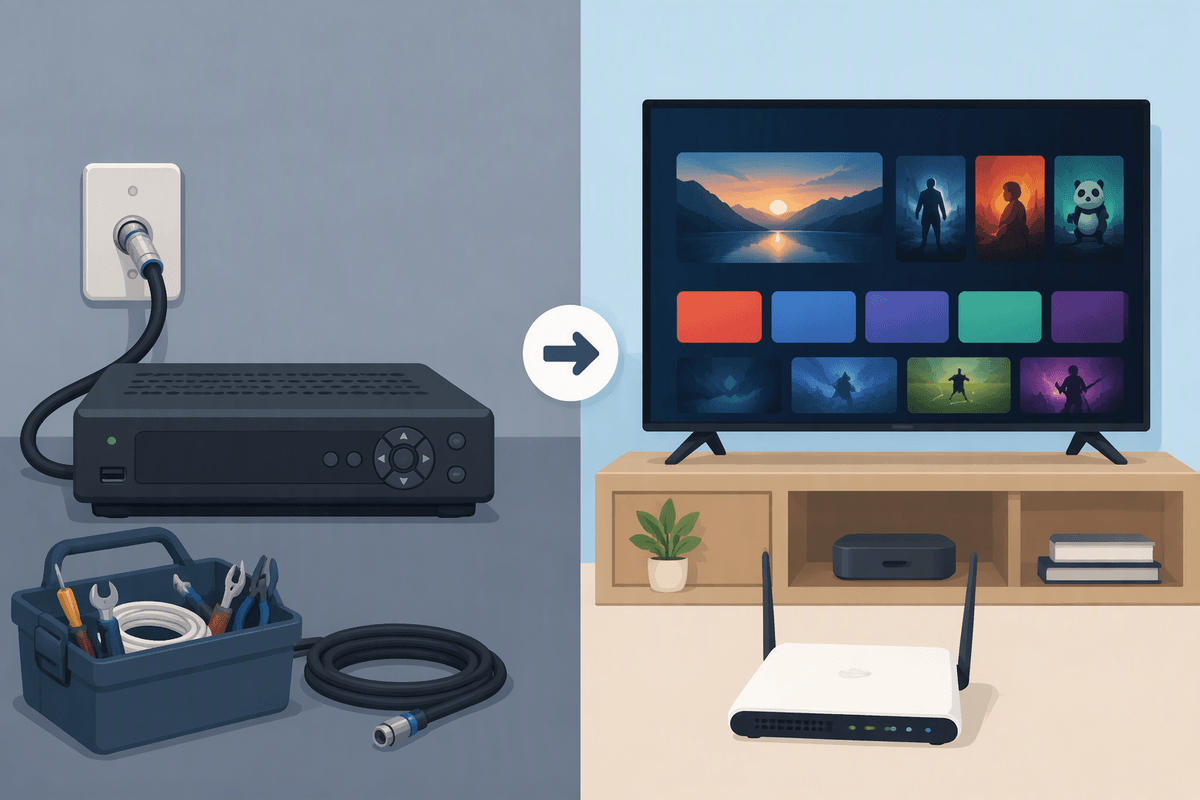
You probably miss the “turn it on and something’s live” feel more than you miss cable itself. YouTube TV gets close to that experience: a familiar channel grid, quick access to news and locals, and a lineup built around real-time programming instead of hunting across separate apps. For many households, that’s the main value—it replaces the routine of flipping between a few dependable channels, especially in the mornings and evenings, without a cable box rental or an installer visit.
The trade-off is that “cable-like” still depends on streaming conditions. Channel changes can feel a beat slower than coax cable, and picture quality can vary with congestion, Wi‑Fi placement, or a busy home network. If you want a simple, one-app way to watch live channels across TVs, phones, and tablets, it’s a strong match; if you mostly watch on-demand, you’re paying for convenience you may not use.
Reason 2: Unlimited DVR makes “missed shows” a non-issue
You notice the DVR value the first time your week gets messy: a meeting runs late, a kid’s game overlaps prime time, and the show you meant to watch is already half over. YouTube TV’s unlimited DVR shifts the default from “catch it live or miss it” to “record it all and decide later.” In practice, that means you can add whole networks or specific teams and stop micromanaging timers, storage space, and conflicts.
It also changes how the monthly price lands. If your household watches a mix of live shows, sports, and reality TV, an unlimited DVR can replace a pile of smaller workarounds—buying episodes, keeping cable longer “for recording,” or juggling multiple logins to find replays. The constraint is that it’s not a forever library: recordings have a retention window, and some programs can have limitations around skipping certain ads depending on the version available. Still, for most cord-cutters, it’s the feature that makes live TV feel flexible again.
Reason 3: Sports and big live moments without the cable contract
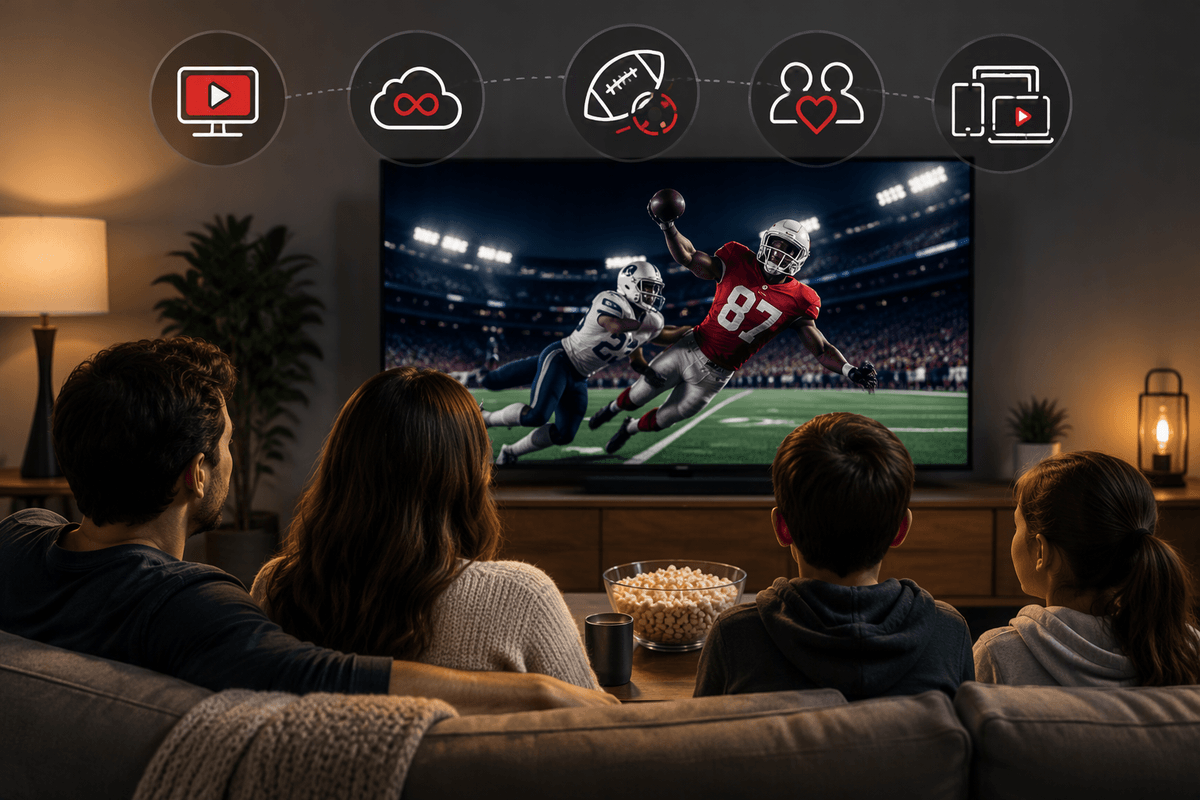
If cable is hanging around in your budget, it’s usually because of sports and the handful of “everyone’s watching” events you don’t want to chase in highlights. YouTube TV covers a lot of that pain: locals for NFL and major broadcast games, and a national sports backbone that can handle most regular-season viewing without a contract or an installer. For big live moments—playoffs, election nights, awards shows—the appeal is that you’re not jumping between apps or hoping a delayed on-demand upload shows up in time.
The catch is where sports gets expensive and uneven. Regional sports networks are the biggest swing factor, and some fans will still need a separate direct-to-consumer league app or an add-on package to fill gaps. You also want to budget for the practical costs: streaming sports in HD across multiple TVs can stress Wi‑Fi, and a flaky connection turns “live” into buffering at the worst possible time.
Reason 4: Family sharing and profiles reduce household friction

You feel the monthly price most when multiple people are trying to use it at once. YouTube TV does better than many “single-login” setups because it’s built around households, not solo viewing. Separate profiles mean the Live guide, recommendations, and DVR library don’t turn into a shared junk drawer where one person’s reality shows bury another person’s news and sports. It also reduces the day-to-day arguments: everyone can save their own teams, record their own shows, and pick up where they left off without overwriting someone else’s preferences.
The practical constraint is that sharing works best when it’s actually a stable household. Location rules and travel can complicate who counts as “in the home area,” and bumping into simultaneous-stream limits can still happen on big game nights. But if your cable bill exists mainly to keep peace across the living room TV, it’s one of YouTube TV’s most real-world advantages.
Reason 5: Simplicity across devices, travel, and app ecosystems
You notice the difference when you stop planning your TV around a single room. YouTube TV tends to “just work” across the devices people already use—smart TVs, streaming sticks, phones, tablets, and laptops—so you’re not maintaining one special cable setup. The same guide, profiles, and DVR follow you, which matters when someone wants to watch news in the kitchen while another person keeps a game on the main TV. If your household mixes Roku, Fire TV, Apple TV, and a couple of older TVs, having one familiar app experience cuts down on daily friction.
Travel is where the simplicity can get complicated. You can watch on the road, but locals and sports can shift based on location rules, and you may need to “check in” from your home area to keep access consistent. It also isn’t free in practice: streaming live TV on hotel Wi‑Fi or mobile data can be unreliable, and heavy use can collide with data caps or throttling.
So, is YouTube TV worth it? A quick self-check
If you watch live TV most days, want locals in one place, and regularly use DVR for sports or prime-time shows, YouTube TV usually earns its price by replacing cable friction—not just cable channels. It’s a strong fit if you’d otherwise pay for multiple apps to recreate the same routine. It’s probably not worth it if you mainly watch on-demand, only care about one sport, or can’t get your regional sports network in the base lineup.
Quick check: confirm locals in your ZIP code, list your top 10 “weekly” channels, price out must-have add-ons, and be honest about your internet stability and any data caps. If those boxes look good, start with the trial and stress-test it on a busy night.