What “best smartwatch” really means for your wrist
“Best smartwatch” usually means “best fit,” not the model with the longest spec sheet. On your wrist, small differences matter: whether the watch reliably mirrors the notifications you care about, whether the band and case feel comfortable for ten hours, and whether charging every night becomes annoying after two weeks. A great watch for runners can be a poor choice for someone who mainly takes calls and pays at checkout. Price is part of it, but so is the cost of compromises—short battery life, limited phone compatibility, or health features that look impressive but aren’t consistent enough to trust day to day.
Start with your phone: Apple, Android, or cross-platform
You can narrow the field fast by matching the watch to your phone first, because the “smart” parts live in that connection. If you use an iPhone, the Apple Watch is usually the cleanest experience for messaging, calls, app installs, and features like tight notification controls and find-my-device. Many popular health features on Apple Watch also assume you’re in Apple’s ecosystem, so switching later can feel costly.
If you use Android, start with Wear OS watches (from brands like Samsung and Google) since they tend to handle notifications, voice features, and third-party apps more reliably than “works with Android” claims on the box. Cross-platform watches (often fitness-first brands) can be a good fit if you care more about steps, workouts, and battery life than apps, but expect trade-offs like weaker replies to messages, fewer watch apps, and occasional notification quirks.
Health and fitness tracking: which sensors actually matter
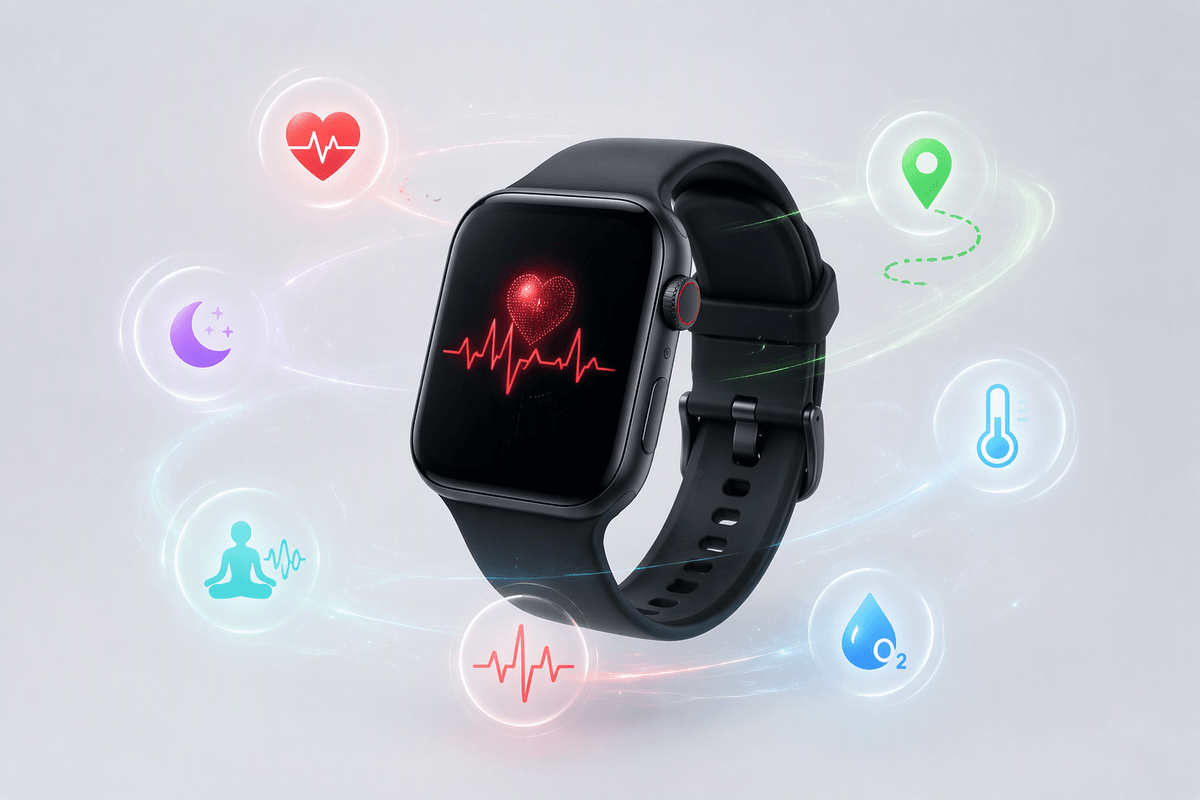
Most people buy a smartwatch for “health,” but what you’ll actually use is narrower: heart rate, workout tracking, sleep, and maybe stress trends. For day-to-day fitness, an optical heart-rate sensor plus solid workout modes matters more than a long list of niche metrics. If you run outside, built-in GPS is a real upgrade over “connected GPS” because it tracks pace and routes without your phone, but it costs more and typically drains battery faster.
ECG and irregular rhythm alerts can be valuable if you have a reason to watch your heart more closely, but they’re not a substitute for medical care, and availability can vary by model and region. Blood oxygen can be useful for altitude or illness context, yet it’s often noisy during sleep. Temperature trends and advanced recovery scores can help spot patterns, but only if you wear the watch consistently and accept that the “insight” is an estimate, not a diagnosis.
Battery life vs features: deciding what you’ll tolerate daily
You’ll feel battery life more than you’ll notice a new metric. If you like always-on display, frequent workouts with GPS, and lots of notifications, expect daily charging on many feature-rich watches. That can be totally fine if you already charge your phone every night and your routine is consistent. It’s less fine if you travel, forget chargers, or want sleep tracking every night—because a late-day low-battery warning turns into “no sleep data” fast.
Longer-lasting watches usually get there by limiting power-hungry features: fewer third-party apps, simpler displays, or less frequent background syncing. The trade-off is convenience, not just specs. A realistic way to choose is to decide your “non-negotiables” first (GPS workouts, always-on, sleep tracking), then pick the watch that can do those without forcing an extra charging habit you’ll resent.
Comfort, durability, and style: the part reviewers overlook
You’ll forgive a watch that’s imperfect on features; you won’t forgive one that feels annoying on your wrist. Size and thickness matter more than most reviews admit: bigger cases can dig into your hand during push-ups, bump door frames, and feel top-heavy with a stiff band. If you’re between sizes, lighter usually wins for all-day wear and sleep tracking. Also pay attention to band options and lug width—some brands lock you into pricey proprietary straps, which becomes a hidden cost when you want a softer sleep band or a dressier look.
Durability is less about “extreme adventure” and more about daily accidents: desks, gym equipment, and rain. If you’re hard on gear, prioritize stronger glass, a slightly raised bezel, and real water resistance for showers and swims. Style matters because you’ll wear it more if it fits your life; a neutral case with interchangeable bands often beats a flashier design you’ll eventually avoid.
Smart features that change daily life: calls, payments, apps
You notice the “smart” features most when your phone stays in your pocket. If you plan to take calls on the watch, check two things: speaker/mic quality and whether it supports LTE/eSIM. LTE costs extra upfront and adds a monthly line fee, and it can cut battery life, but it’s the difference between “quick call on a walk” and “needs my phone nearby.” For messages, don’t overpay for a keyboard you’ll never use—reliable voice dictation and quick replies usually matter more.
Payments are the other daily win. Apple Pay and Google Wallet are broadly accepted, but you still need to confirm your bank support and how often the watch asks for a passcode (usually after you take it off). Apps are where ecosystems diverge: Apple Watch and better Wear OS models tend to have stronger third-party app support, while fitness-first watches often focus on essentials and trade app variety for longer battery and simpler reliability.
Top picks by user type: fastest way to a good choice
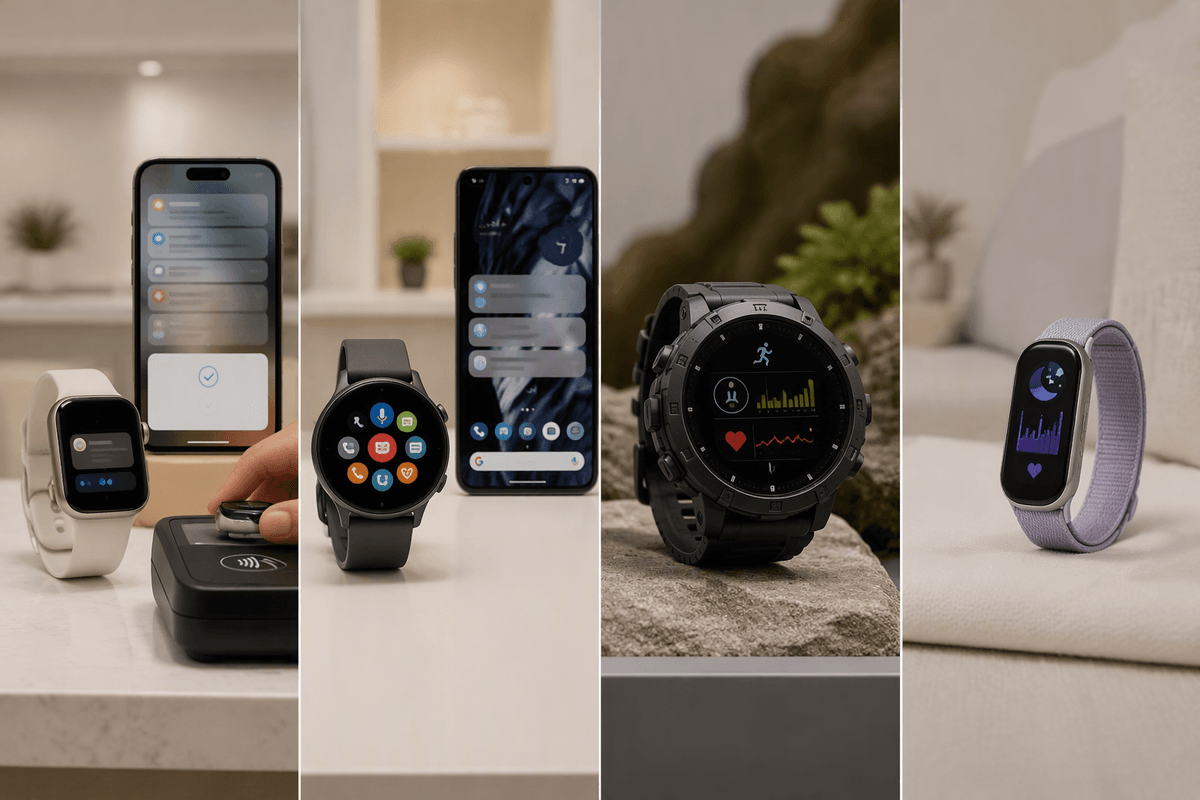
You can shortcut the entire shopping process by picking from a few “user type” lanes. If you have an iPhone and want the smoothest mix of notifications, calls, payments, and apps, an Apple Watch is usually the safest bet; the main choice is whether you can live with daily charging or want a larger model for more battery. If you’re on Android and care about smart features (assistant, app support, clean notifications), a good Wear OS watch is typically the best balance—just expect battery to drop faster with always-on display and GPS workouts.
If your priority is fitness first—structured workouts, GPS reliability, and battery that lasts days—a fitness-focused watch often makes more sense than a “mini phone” on your wrist, as long as you accept simpler messaging and fewer apps. If you mostly want health basics and fewer hassles, pick the lightest, most comfortable model in your budget with strong heart-rate tracking and the screen size you’ll actually wear to sleep; an uncomfortable watch is the fastest way to end up with no data at all.
How to buy with confidence: avoid common smartwatch regrets
The most common regret is buying a watch that doesn’t fully “work” with your phone, so confirm the basics before anything else: can you reply to messages the way you want, take calls reliably, and use the payment system your bank supports. Then sanity-check your weekly routine against battery reality—GPS workouts, always-on display, and LTE are great until they force mid-day charging or kill sleep tracking. If you’re between two models, choose comfort and a better return policy over a slightly nicer spec sheet; a watch you don’t wear daily can’t help you. Budget for bands and, if needed, cellular fees.