Start with what “live online” can realistically show
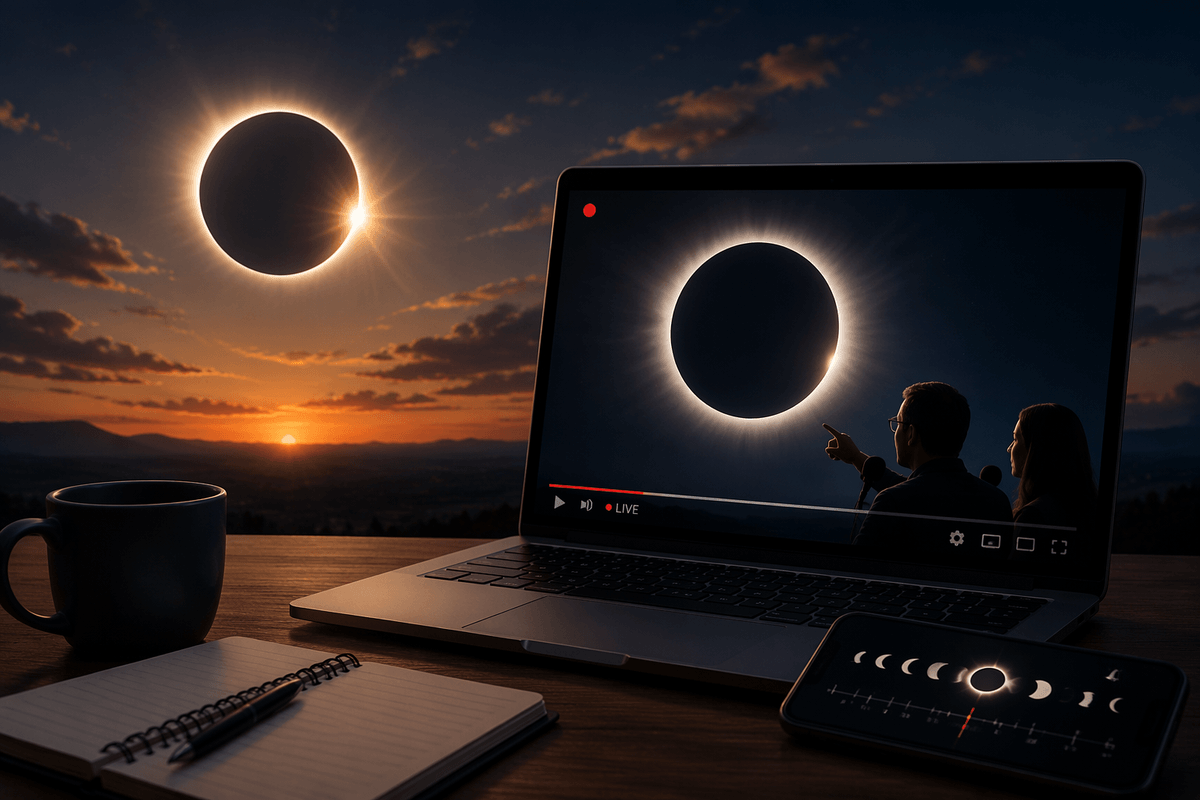
A “live online” eclipse is really a live camera pointed at the Sun, usually from one place, with commentary layered on top. That means you’ll see the same core moment as everyone else watching that feed, but not the exact sky from your neighborhood. Quality also varies: some streams are crisp and color-corrected through solar telescopes, while others are shaky wide shots that wash out the corona. Expect short gaps, buffering, or a sudden switch between locations—especially near totality when demand spikes. If you want the most dramatic view, prioritize streams that name their camera, site, and telescope setup.
Find trustworthy livestream sources before eclipse day
The easiest way to avoid dead links on eclipse day is to pick two or three “anchor” sources now and bookmark their official pages, not just a random repost. Space agencies (NASA, ESA, JAXA), major observatories and planetariums, and well-known science organizations usually publish a dedicated event page a few days ahead with the exact start time, backup streams, and a stable YouTube link. Reputable TV news outlets can be a solid secondary option, but confirm they’re showing a true live feed (look for named locations and a real-time clock in the frame), not a looped “countdown” video.
Do a quick test run: open each source on your phone and your largest screen, check that it plays at 1080p or better, and confirm there’s a scheduled start time you can set a reminder for. Some streams won’t allow rewinding until the broadcast ends, so plan to join a little early.
Know the schedule: start time, peak, and totality
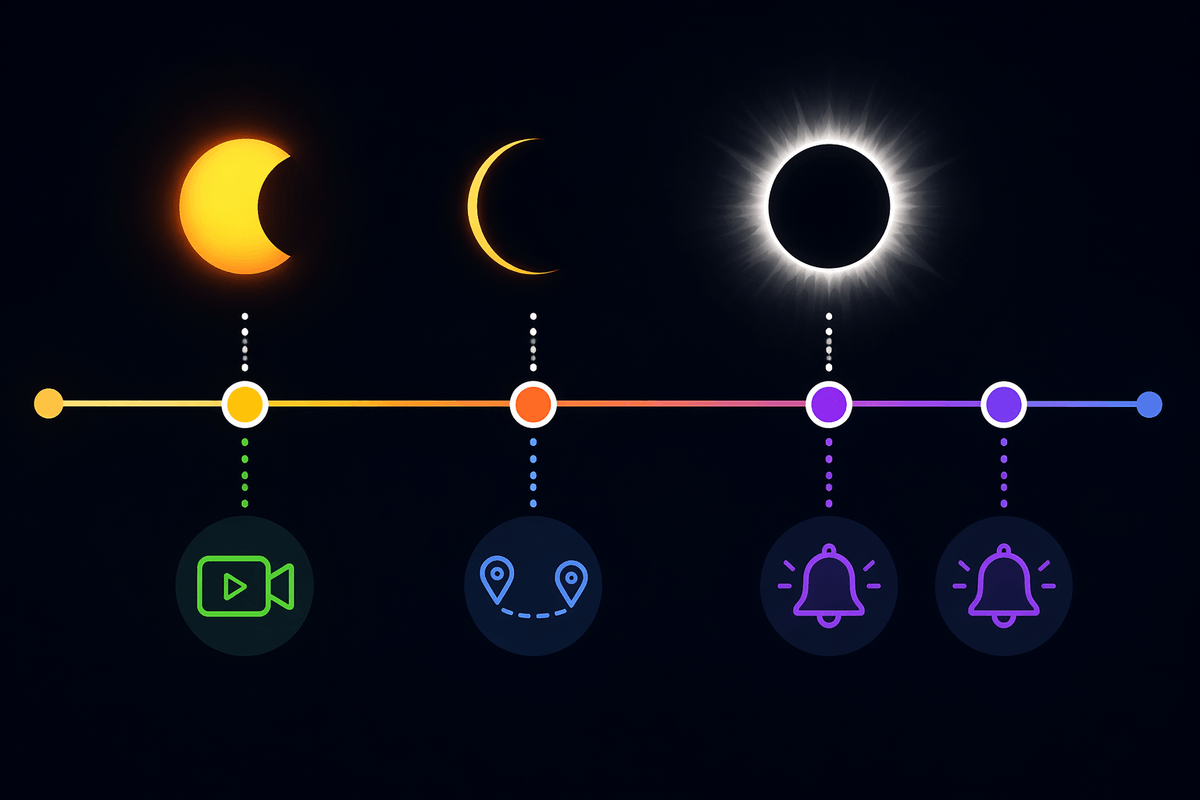
The timing you care about usually comes in three layers: when the partial phase begins (the first “bite”), when maximum eclipse happens, and whether the stream will include totality (the brief period when the Sun is fully covered). A lot of people miss the best moment because they only look up “peak time” and don’t realize the broadcast may start 30–60 minutes earlier to show the partial phases, setup, and weather updates. Streams can also jump between locations, so the “start” time on the video page may be earlier than the first visible change in the Sun.
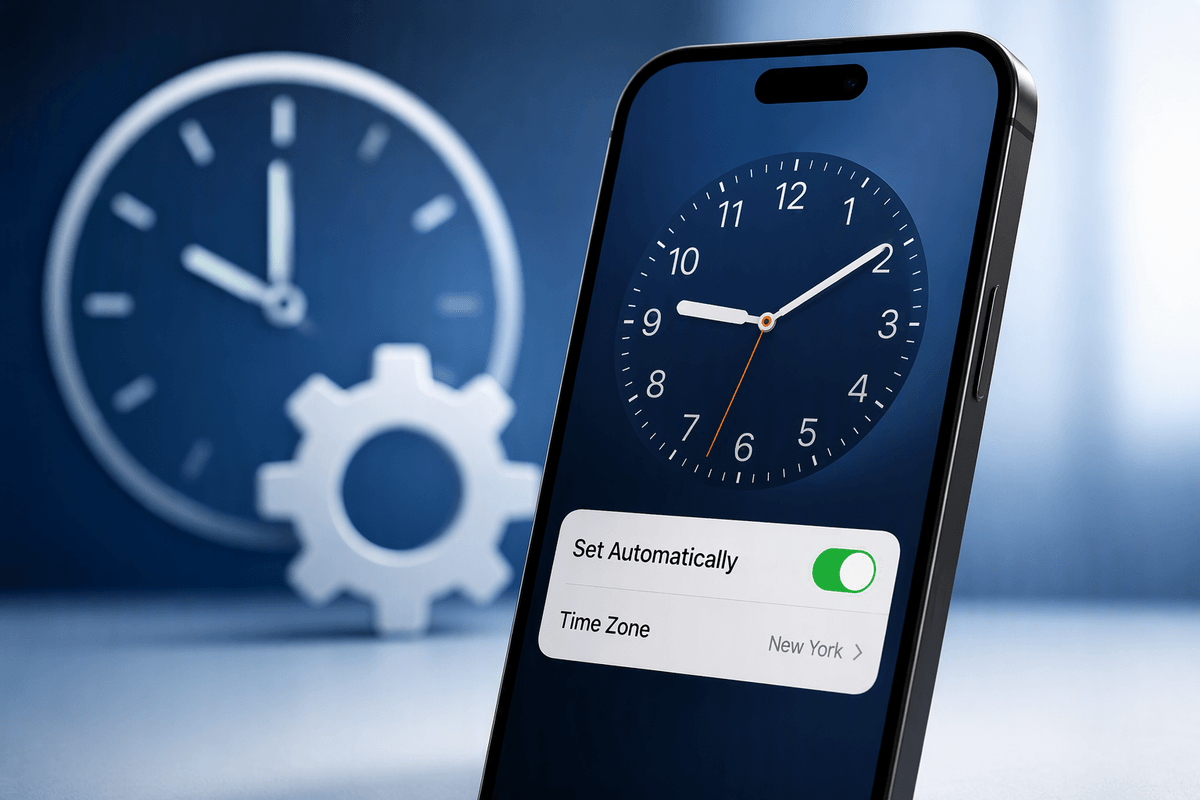
Before the day arrives, check whether the schedule is listed in UTC or in the host location’s local time, then convert it to your time zone and set two alerts: one for the stream start and one for expected totality. Build in a buffer—phones switch networks, TV apps log out, and a busy Wi‑Fi connection can add a frustrating minute right when totality begins.
Choose the right platform: YouTube, NASA, apps, or TV
YouTube is usually the simplest choice because it works on phones, laptops, and smart TVs, and it’s easy to set a “Notify me” reminder on a scheduled stream. The trade-off is variability: some channels rebroadcast others, some disable higher resolutions, and chat can push distractions (or misinformation) into view. If you use YouTube, try to watch on the official channel of the host organization, and keep a second bookmarked link in case one feed stalls.
Agency and observatory websites (including NASA’s) can be more consistent about linking to the correct live player and listing times in one place, but they sometimes route through embedded players that are less forgiving on older TVs or spotty Wi‑Fi. Eclipse and astronomy apps are best for timing—alerts, local phase times, and “totality countdowns”—but treat them as a companion, not your main video source. Traditional TV coverage is the easiest “just press play” fallback, though it may cut away for breaks right when you want an uninterrupted view.
Get your setup ready: screen, audio, and internet
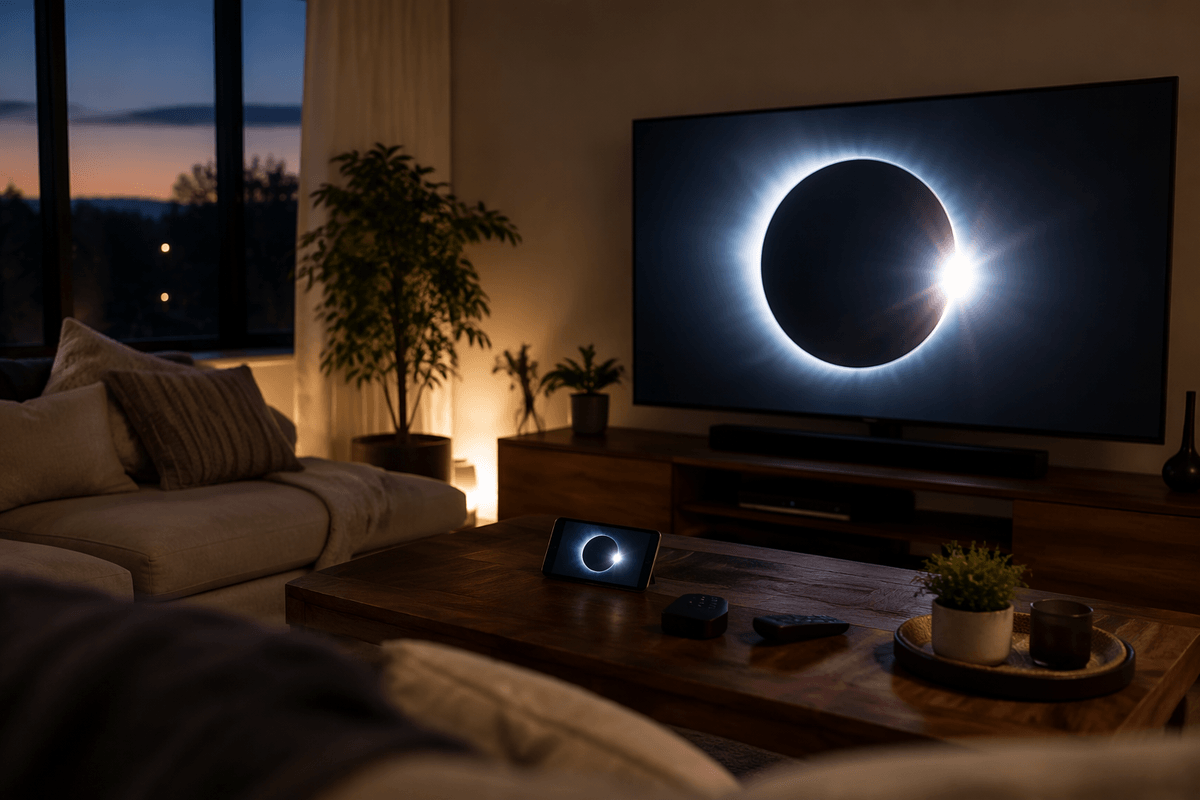
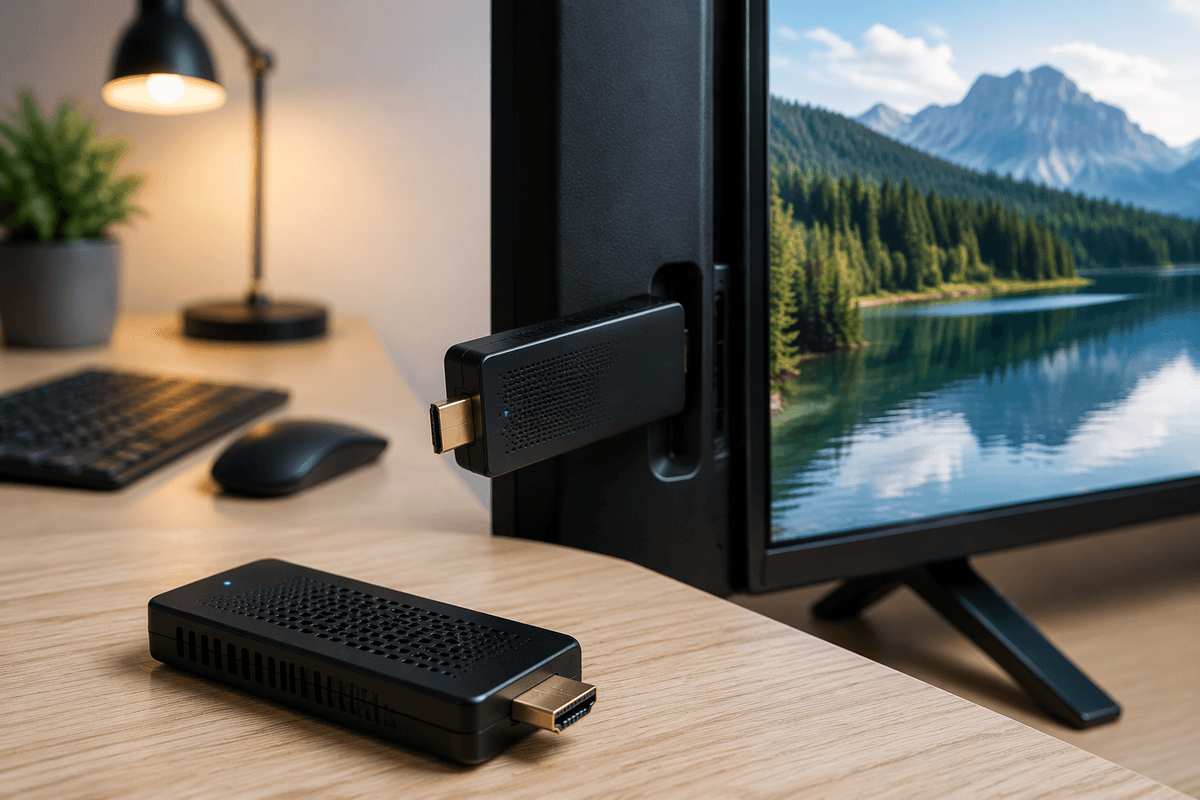
Most people end up watching on whatever’s closest—phone in hand, laptop on the counter—then regret it when the details get interesting. If you can, put the video on your largest, brightest screen (a TV or monitor) and keep your phone as a backup controller and second link. Turn off auto-brightness if your room lighting changes, and switch the stream to its highest available resolution before the partial phase begins; some players won’t bump quality smoothly once traffic spikes.
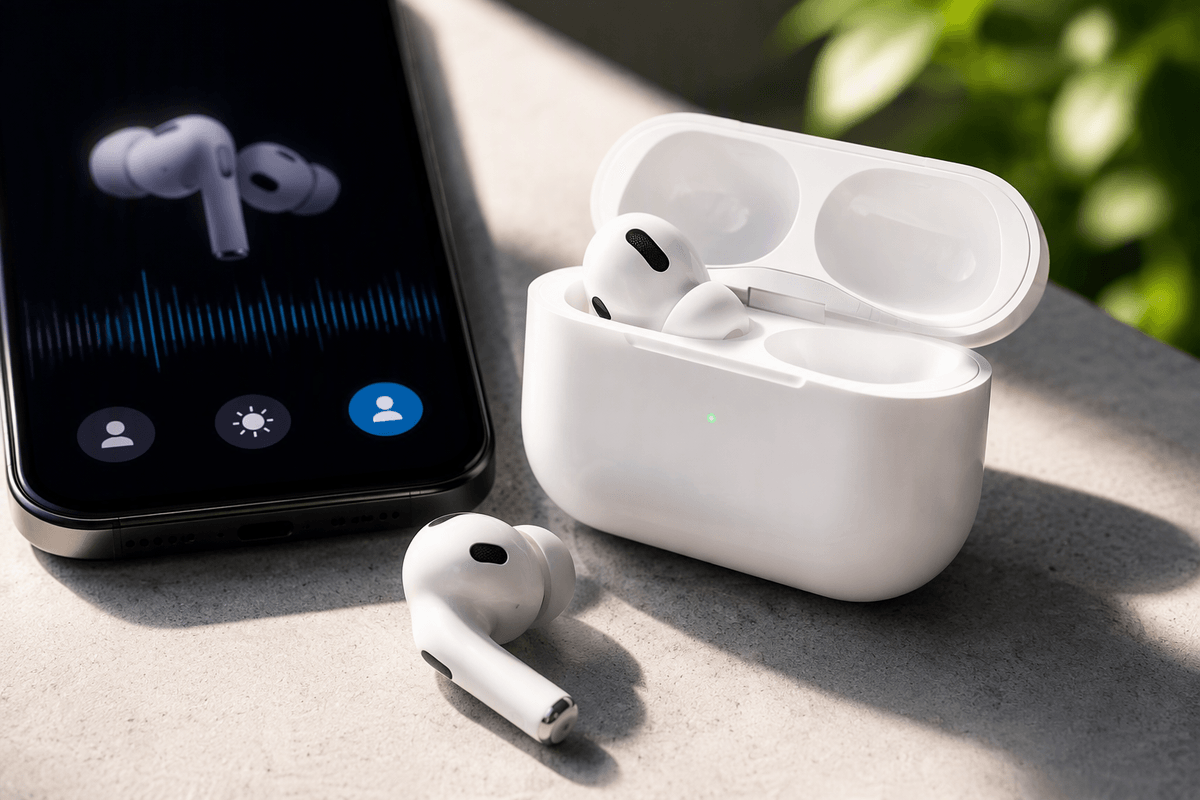
Audio matters more than you’d expect because good coverage relies on narration (“totality in 10 seconds,” “filters off now”). Use speakers you can hear clearly, or simple headphones if you’re in a noisy place. For internet, favor wired Ethernet or strong Wi‑Fi near the router, and pause big downloads and video calls. If your connection is unreliable, set the stream to 720p and keep a second option ready—cellular hotspot, a TV channel, or another official feed.
Avoid scams, fake countdowns, and misleading “live” clips
You’ll see plenty of “LIVE” eclipse videos that aren’t actually live: looping highlight reels, old eclipses relabeled with today’s date, or a generic countdown over stock footage. A quick check helps: look for an official channel badge, a clear description naming the location and telescope/camera, and an on-screen clock or real-time commentary that matches what’s happening (weather, clouds, changing light). If the chat is full of “link in bio” pitches, or urgent claims that “NASA is hiding this,” back out.
Watch out for lookalike accounts that copy a space agency’s logo and name with a subtle misspelling. Don’t install “required” browser extensions, don’t enter card details to “unlock HD,” and don’t trust a stream that forces you through multiple pop-ups. The practical cost of being cautious is a few minutes of verification before the day—worth it when totality lasts only a short time.
If you miss it live: replays, highlights, and next eclipses
Missing the live moment is common: meetings run long, streams buffer, clouds roll in. If that happens, go back to the same official channel or event page you bookmarked and look for the full recording (often labeled “Streamed live on…”). Full replays preserve the real timing and commentary, while highlight reels are faster but may skip the slow build and the exact “filters off/on” moment. A practical limitation is that some broadcasters trim or re-upload later, so the cleanest version may not appear for a few hours.
For planning the next one, use a reputable astronomy calendar from a space agency, major observatory, or well-known astronomy organization, then set alerts a week out and the day before. Treat social posts announcing “the next eclipse” as leads to verify, not as your schedule.