Why data roaming surprises people the moment they travel
You can leave home with a phone that worked perfectly all week, land somewhere new, and suddenly get a “welcome” text about roaming rates—often after your phone has already started using data. The surprise comes from a simple mismatch: most people think “cellular data” is one thing, but carriers price it differently once you’re off your usual network footprint.
Even if you never open a browser, your phone may still quietly move data the moment it finds a signal. Maps refresh, photos sync, messages download, and apps check in. A few megabytes here and there can be cheap at home and expensive while roaming, especially if your plan bills per day or per MB.
What changes when your phone leaves your home network
The moment you travel, your phone has to answer a basic question: “Which network am I allowed to use?” At home, your carrier’s towers handle your data under your normal plan. Away from home, your phone may connect to a partner carrier, and that agreement changes how your usage is rated. The signal bars can look normal, but behind the scenes your data is being “counted” differently.
This is why roaming can trigger charges even when nothing feels different. Turning off Wi‑Fi in a hotel, stepping off a cruise ship, driving near a border, or landing before you’ve bought a pass can all push the phone onto a roaming network. Some plans include domestic roaming, some don’t, and international roaming is often separate. The practical difficulty is timing: the phone reconnects automatically, so you’re usually reacting after the connection is already live.
The hidden cost drivers: background data, apps, and updates
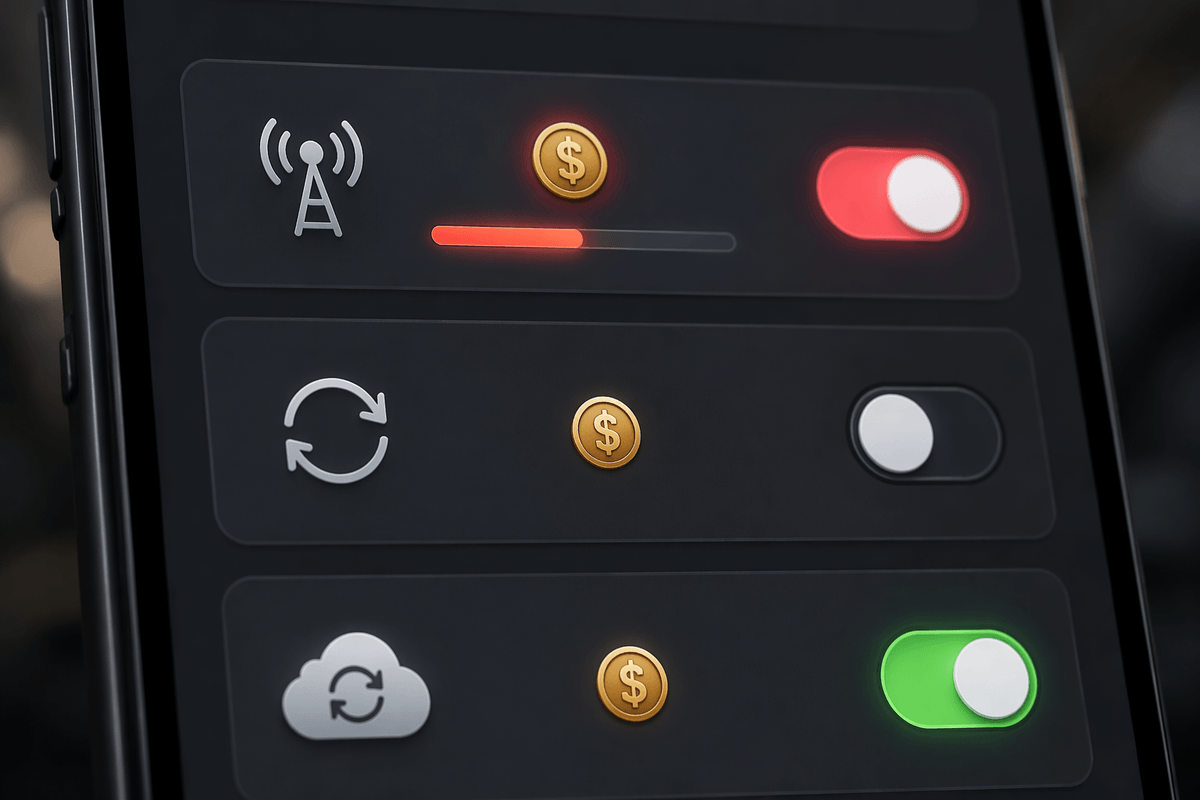
The biggest roaming bills usually come from “invisible” usage: background data. Email clients fetch new mail, messaging apps pull photos and voice notes, and cloud services try to sync your camera roll the moment you get a usable signal. Navigation apps can also refresh map tiles and traffic data even if you only glance at directions. None of this looks like heavy use, but roaming prices can make small, frequent transfers add up fast.
Updates are the other quiet culprit. App stores may auto-update apps, and your phone can download system updates, security patches, or large “preload” files when it thinks it has a stable connection. Some carriers treat a day pass as unlimited, but others throttle, cap high-speed data, or charge outside the pass window—so an overnight update can still cost money. The constraint is convenience: background features are designed to run without asking, so you have to proactively rein them in before the first roaming connection happens.
Roaming fees, day passes, and travel plans—what you’re really buying
You’ll usually see three pricing models the moment you roam: pay-per-use (per MB or per minute), a “day pass,” or an add-on travel plan. Pay-per-use is the most punishing because it monetizes every background check-in—so a handful of small transfers can cost more than a full day of normal use at home. A day pass sounds like insurance, but what you’re really buying is a billing rule: for a fixed fee, your roaming data is rated under a special allowance for a defined period (often a calendar day or 24 hours), and it may still have a high-speed cap or reduced speeds after a threshold.
Travel plans are similar, just packaged for longer trips: you’re pre-paying for a bundle of roaming privileges (countries covered, data amounts, and how overages work). The practical constraint is coverage and timing. A plan that works in one country may not apply two borders later, and some passes only trigger when you first use data—meaning the “start” can happen at an inconvenient moment if your phone is still doing background activity.
Avoiding charges with settings you can trust in a hurry
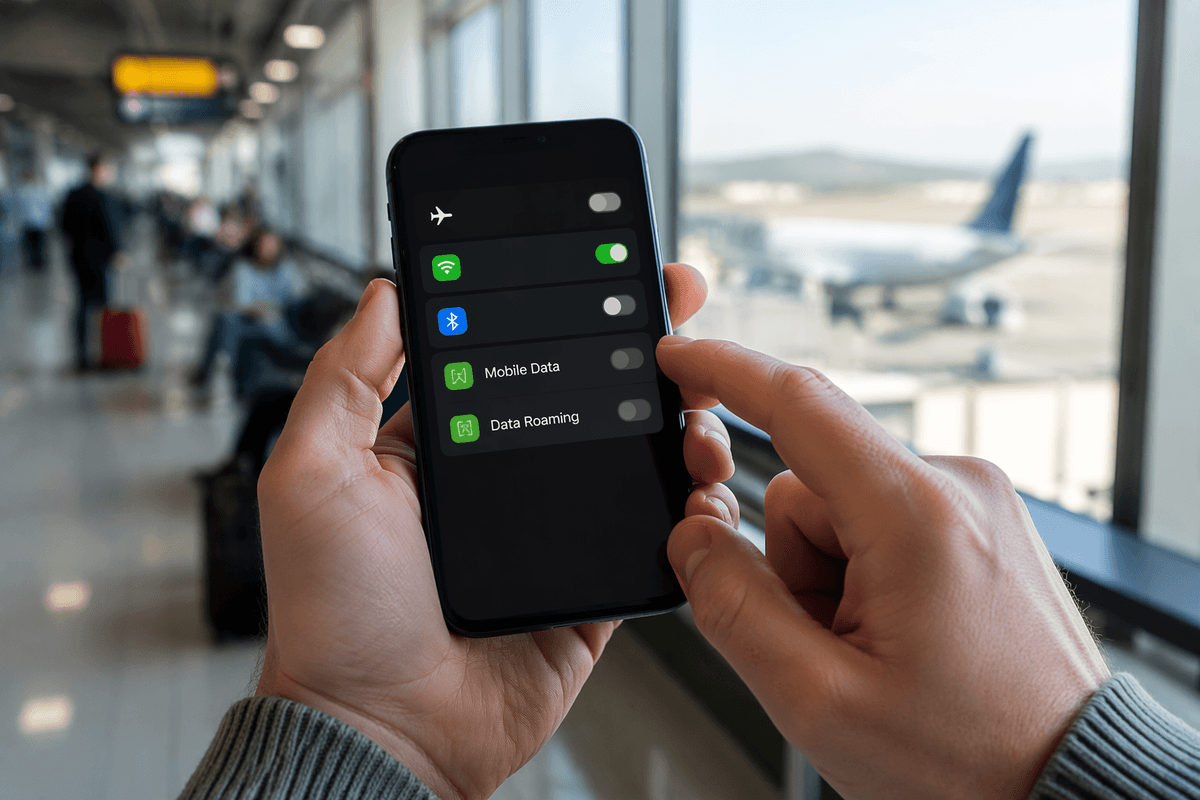
You’re usually trying to solve this at the worst moment: after landing, stepping outside a terminal, or seeing that first roaming text. The fastest reliable move is to control whether the phone can use cellular data at all. Turn on Airplane Mode, then manually turn Wi‑Fi back on—this keeps you connected while preventing the phone from “testing” a roaming network in the background. If you do need cellular for calls or texts, leave Airplane Mode off but switch Mobile/Cellular Data off until you’ve confirmed you’re on the right plan or pass.
When you have a minute, use the settings that directly target surprise charges. Turn Data Roaming off (iPhone and Android both have it), and enable Low Data Mode / Data Saver to cut background syncing. Pause app updates and cloud photo backups, because they can trigger the first paid data session without you noticing. The limitation is that some features will lag—messages with photos may arrive later, maps may not refresh, and push notifications can be delayed—but that trade-off is usually cheaper than guessing while roaming.
Cheaper alternatives: local SIMs, eSIMs, Wi‑Fi, and offline mode
A cheaper approach is to avoid “roaming” entirely by using someone else’s local service. A local physical SIM works if your phone is unlocked and supports the country’s bands, but it means swapping your home SIM out (easy to lose) and sometimes losing iMessage/RCS consistency or access to your usual number for two‑factor codes. eSIMs reduce the hassle: you can add a travel data line in minutes, keep your home SIM active for calls/texts, and set the eSIM as the default for cellular data. The real trade-off is that many travel eSIMs are data-only, and quality depends on which local networks they partner with.
Wi‑Fi is often the lowest-cost option, but it’s inconsistent. Hotel and café networks can be slow, captive portals break VPNs, and public Wi‑Fi carries privacy risk—so avoid sensitive logins unless you trust the network and use encryption tools you already understand. Offline mode is the quiet “bill killer”: download maps, playlists, and key documents before you leave, then let cellular stay off until you truly need it.
A quick pre-trip plan to stay connected without regret
The simplest pre-trip routine is five minutes of prevention. Before you leave, confirm whether your carrier includes roaming where you’re going, and screenshot the pass/add-on terms (countries covered, cap, and when the “day” starts). Download offline maps for your destination, plus boarding passes and anything you’d hate to re-find on airport Wi‑Fi. Turn off app auto-updates and pause cloud photo backups until you’re settled.
Right before takeoff, decide your default: Airplane Mode with Wi‑Fi only, or a travel eSIM/local SIM as the data line. Keep Data Roaming off unless you’ve intentionally bought coverage. The cost is minor inconvenience—slower syncing and fewer instant updates—but it’s predictable, and predictable is the goal.