Why people use Facebook Login—and what’s at stake
You’ve probably tapped “Continue with Facebook” because it’s fast: no new password to invent, no email verification, and it works across devices. That convenience is real, especially if you already keep your Facebook account logged in on your phone. The trade-off is that you’re turning one account into a passkey for many others. If someone gets into your Facebook account, they may be able to get into any app or site tied to it. And even when nothing goes wrong, Facebook Login can increase data sharing and make it easier to connect your activity across services.
What Facebook Login shares: permissions, profile data, and tokens
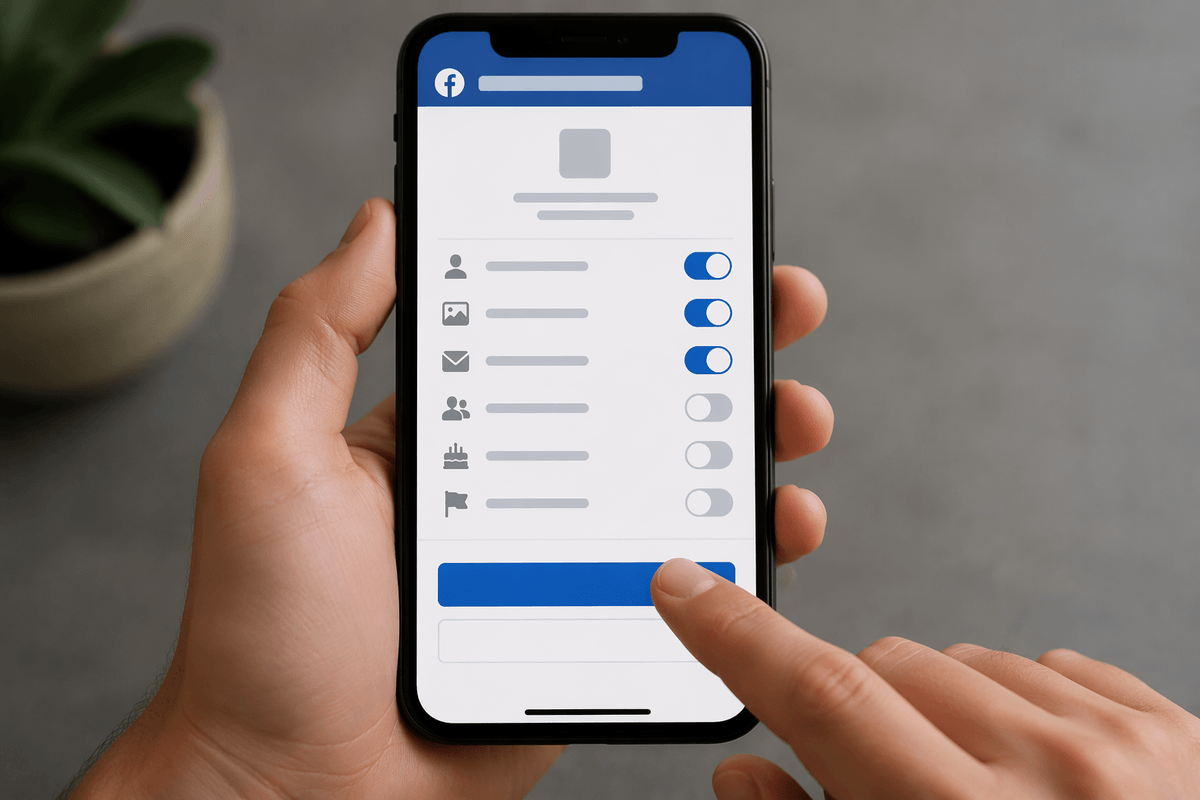
Picture the moment you tap “Continue with Facebook.” The app usually asks for a short list of permissions (like your name, profile photo, and email) and sometimes optional access like your friends list, birthday, or Pages you manage. Some apps truly need extra details to work; others request more than they need because it helps them personalize or market to you. The key point: you’re not “logging in with a password” so much as approving data access.
Behind the scenes, Facebook issues a login token, which is like a temporary digital key that tells the app you’ve proven you control that Facebook account. If a token is stolen from a compromised device or a sloppy developer setup, someone may be able to act as you inside that app without ever knowing your Facebook password. Tokens also make it easier for companies to link sessions across devices, which can add to tracking even when the shared profile data seems minimal.
The real risks: account takeover, tracking, and single point of failure
The most obvious risk is account takeover: if someone tricks you into giving up your Facebook password, steals your session on a lost phone, or gets past weak security, they don’t just get Facebook—they may get every app that accepts that same “Continue with Facebook” identity. The damage is often quiet. An attacker can change settings, lock you out by changing the email on individual apps, or abuse paid features, while you’re focused on recovering your social account.
The second risk is tracking. Even when an app only requests basic profile info, the login flow can still help connect your activity across services and devices. That doesn’t mean Facebook “sees everything you do,” but it does mean you’re choosing a sign-in method designed to be portable and linkable.
The third risk is a single point of failure: if Facebook flags your account, you get locked out, or you delete it, you can lose access to unrelated services. Recovery can take time, and some apps make it annoyingly hard to switch logins later.
Tip 1: Lock down your Facebook account like it’s your master key
Most people protect their bank login more carefully than their social login, but if you use Facebook Login, your Facebook account effectively becomes a master key. Start with a unique, long password (a password manager makes this realistic), then turn on two-factor authentication so a stolen password alone can’t unlock everything. Prefer an authenticator app or a hardware security key over SMS when you can, because text messages can be intercepted or hijacked. Also review where you’re logged in and sign out of old devices you don’t recognize, especially if you’ve used public computers or lost a phone.
The practical downside is friction: two-factor adds an extra step, and switching phones can break your setup if you didn’t save recovery codes. Take five minutes to store recovery codes somewhere safe (not in your email inbox) and make sure your primary email and phone number on Facebook are current. That’s the difference between a minor scare and a week-long lockout.
Tip 2: Treat permissions and connected apps as a monthly checklist
It’s easy to approve a permission prompt once and never think about it again, even though your needs change and apps come and go. Set a simple monthly reminder to review what’s connected to Facebook and what each app can access. Look for apps you don’t recognize, services you no longer use, and anything that’s “active” even though you haven’t opened it in months. Remove the connection rather than just deleting the app from your phone—uninstalling doesn’t always break the link.
Pay attention to the scope of permissions, not just the app name. Basic profile and email are common; requests for friends list, birthdays, Pages, or posting access are a higher-trust decision. If an app works without the extras, deny them. The practical catch is inconvenience: revoking access can log you out, reset personalization, or require you to sign in again, so do it when you have a few minutes—not right before you need the app.
Tip 3: Avoid login lockouts with backups and smart choices
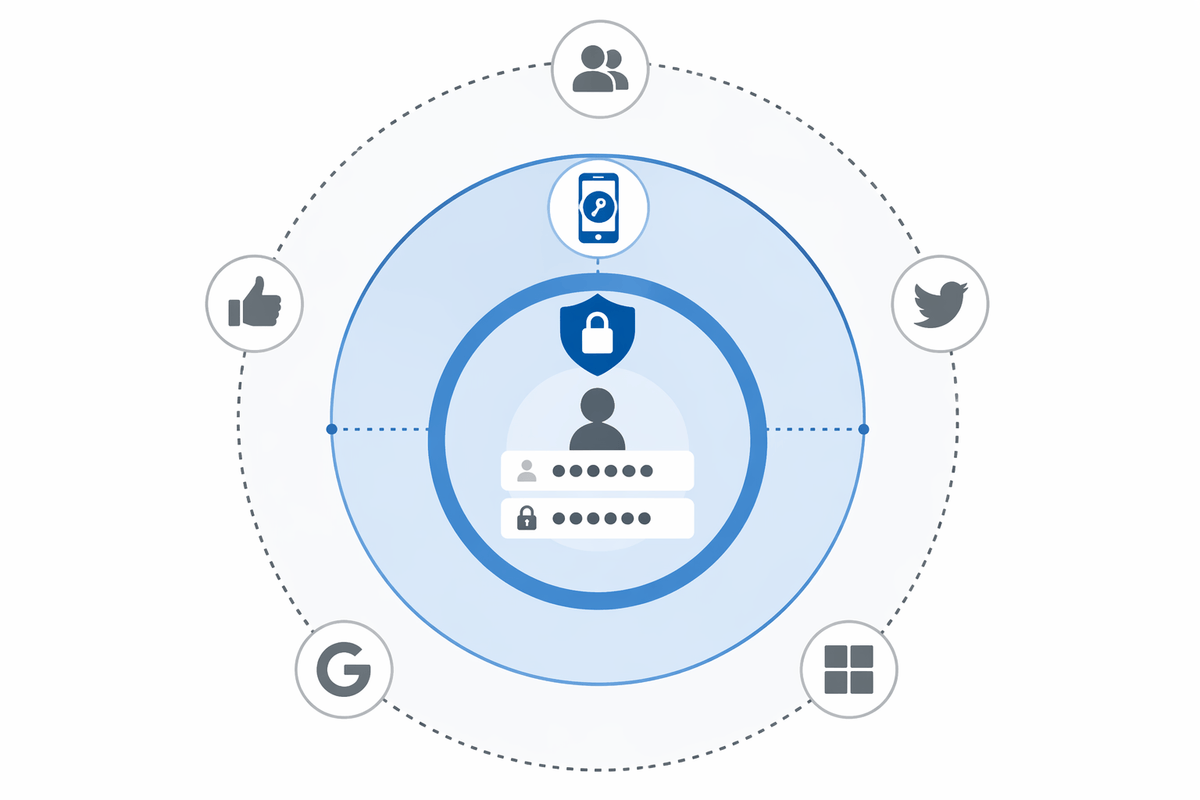
Lockout risk is the “hidden cost” of single sign-on: you can lose access to a fitness app, a neighborhood forum, or a game because Facebook is down, your account gets flagged, or you simply can’t pass a recovery check while traveling. Reduce that pain by adding a second sign-in method anywhere the app allows it—set a password, attach a verified email address, or add an Apple/Google login as a backup. Do it while you’re already logged in, because converting later can require support tickets or identity checks.
For higher-stakes services (anything with saved payments, private messages, or business tools), avoid “Continue with Facebook” as the only gate. Use email/password plus 2FA, then treat Facebook Login as a convenience option. The trade-off is extra setup and a few more logins, but you’re buying the ability to leave Facebook—or lose access to it—without losing everything else.
So, is Facebook Login “secure enough” for you? A quick decision guide
You’re usually fine using Facebook Login for low-stakes apps where a lockout is annoying but not costly: casual games, simple community tools, one-off services. It’s a riskier default for anything that can move money, expose private messages, or affect your work—use email/password plus two-factor there, and add Facebook only as an extra option.
A quick test: if you’d be upset losing access for a week, don’t make Facebook your only key. If you do use it, keep Facebook 2FA on, review connected apps monthly, and add a backup sign-in while you’re already logged in (because switching later can be slow and support-heavy).