Picking games to stream without fighting the algorithm
You open your streaming dashboard, see a giant game at the top, and think: “If I stream that, people will find me.” Usually they won’t. In big categories, viewers sort by the first few rows, and new channels sit under hundreds of similar thumbnails. In tiny categories, you might be instantly visible but talking to nobody for hours. The goal isn’t to outsmart the algorithm; it’s to pick a lane where your channel can be seen and understood.
Start by scanning the category like a shelf. Look for games with enough active viewers to support new channels, but not so many streamers that you’re buried. Expect a cost: switching games to chase spikes can reset your momentum and confuse returning viewers.
Start with your goal: discovery, community, or monetization
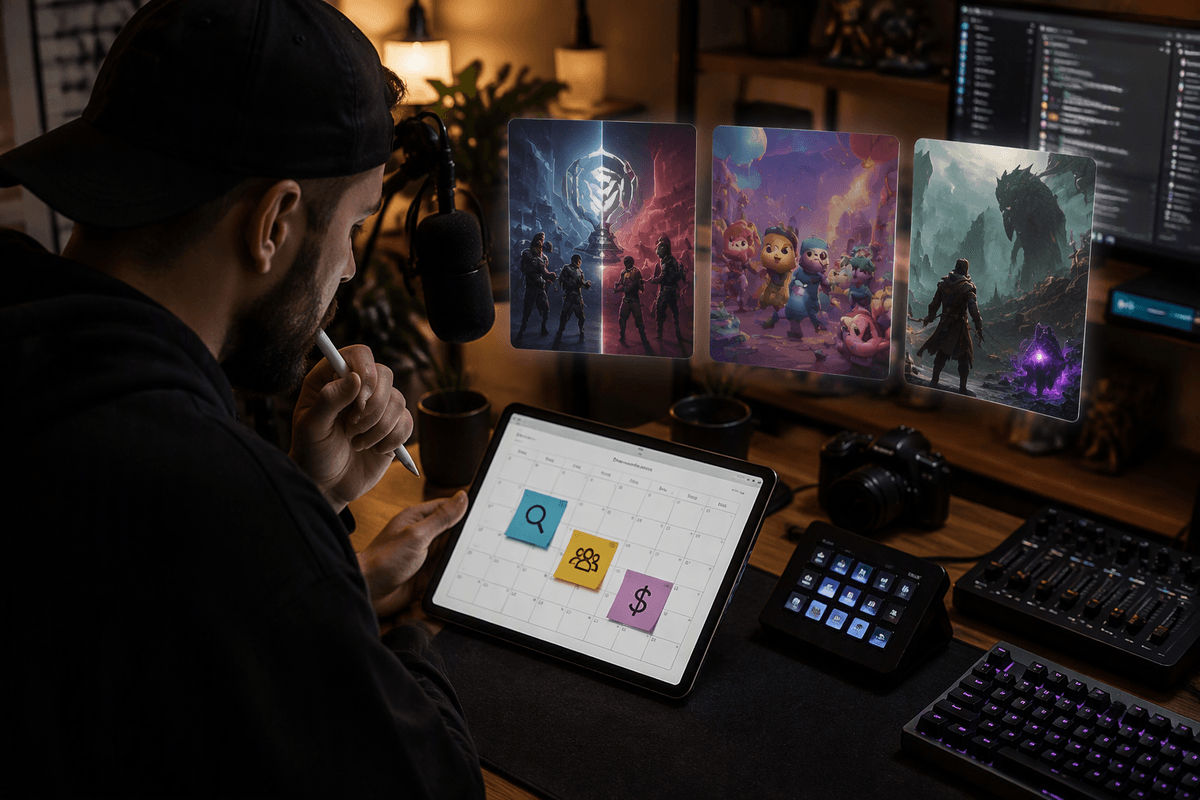
A streamer picking “the best game” is usually avoiding the real question: what are you optimizing for this month? If you want discovery, you’re choosing games where viewers browse and click—often titles with a steady audience and clear expectations (ranked ladders, new seasons, runs with a defined start/end). Your stream needs an easy hook in the thumbnail and title, because most first-time viewers arrive with zero context.
If you want community, you’re choosing games that give chat something to do. Co-op, party, builders, roguelites with choices, and anything with downtime for conversation can outperform “bigger” games because regulars feel involved. The trade-off is slower raw growth; you might build a tighter room before you build a bigger one.
If you want monetization, you’re choosing repeatable formats that convert returning viewers: long series, challenge runs, or games with meaningful progression that makes people come back. The practical constraint is stamina. A “good money game” that you can’t stream three times a week without burning out will break the plan.
How crowded is the category, and can you stand out?
You can treat a game category like a local market. Two games can have the same viewer count, but one is split across 15 established channels while the other is spread across dozens of small streams. That difference decides whether a new viewer ever scrolls far enough to see you. Before you commit, open the category and look at the “middle” rows where your channel would realistically sit. If those rows are empty, the game may be too quiet. If they’re packed with identical “Road to Rank X” titles, you’ll need a sharper angle than “starting fresh.”
Standing out usually comes from format, not personality. Pick one simple differentiator viewers can understand in three seconds: a specific challenge rule, a short daily run, a co-op pairing, or a viewer-driven decision system. The constraint is execution cost. Custom rules, overlays, and consistent co-op schedules add setup time and coordination, so choose an angle you can repeat without making every stream a production.
Games that create moments: why “watchability” beats “fun”
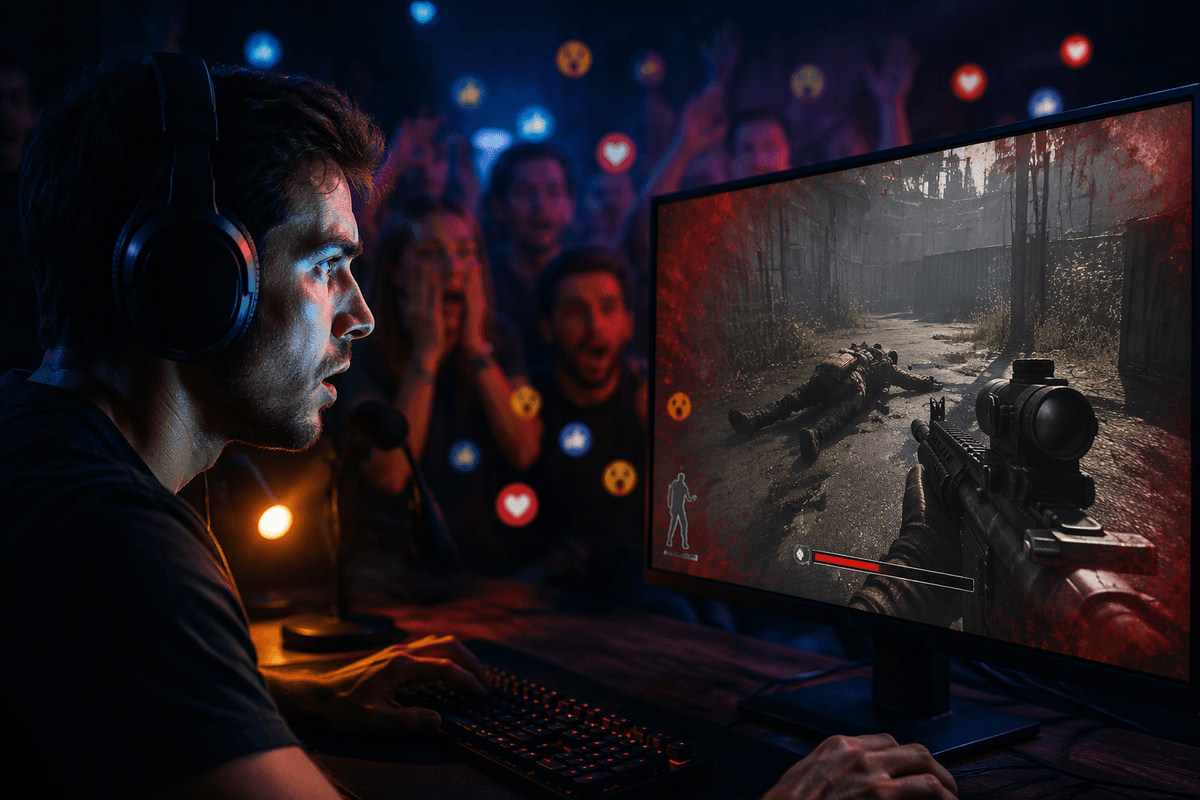
You’ve probably had this experience: you’re having a great time playing, but the stream feels flat. That’s the gap between “fun to play” and “good to watch.” Watchable games create frequent, explainable moments—close calls, visible progress, sudden reversals, risky decisions, or clean win/lose beats. Viewers don’t need to understand every mechanic; they need to understand what just happened and why it mattered.
Look for games that naturally produce clips without you forcing it. Extraction shooters, roguelites, tactical games with clutch turns, physics chaos, and social deduction all generate outcomes that chat can react to instantly. Slow-burn sandboxes can work, but you’ll be responsible for manufacturing stakes with goals and deadlines (“one hour to build X,” “perm-death rules,” “chat picks the route”). That’s the cost: the less a game produces moments on its own, the more structure and narration you have to supply every session.
Format fit: solo grind, co-op chaos, or viewer participation
You can often predict stream performance by the shape of the session. Solo grind formats (ARPG mapping, ranked queues, long RPG chapters) work when your on-screen goal is obvious and you can narrate decisions without sounding like you’re reading patch notes. The downside is “quiet efficiency”: if you’re locked in, chat can feel optional, and new viewers may bounce because nothing invites them in.
Co-op chaos flips that. Two to four players creates constant reactions, misplays, and recoveries that are easy to understand even without context. It’s also fragile: you’re now dependent on other schedules, shared audio quality, and someone not tilting mid-session. If you can’t guarantee the roster, build the format so it survives substitutions.
Viewer participation is the fastest way to make chat matter—polls, chat picks, community lobbies, name-a-build, “one rule per sub.” The constraint is moderation and pacing. Too much input can stall the game, so limit choices to moments you can resolve in under a minute.
Retention and scheduling: can you make it a repeatable series?
You feel it when a game “works” once, then fails the second time because nobody knows when you’ll be back on it. Retention is mostly pattern recognition: viewers return when they can predict what tonight looks like. Games with clear episode units (runs, matches, weekly challenges, a specific questline) make that easier than open-ended sandboxes where “we’ll just keep playing” blurs together. If your stream relies on progression, make the progress legible: a simple on-screen goal, a recap in one sentence, and a stopping point that creates a reason to return.
Scheduling is the hidden filter. A game is a bad choice if it demands long uninterrupted sessions, complex warmups, or a co-op squad you can’t reliably assemble at your usual times. Series formats also have maintenance costs: patches can invalidate builds, metas can shift, and save files can break. Pick a loop you can deliver on three times a week with the same energy, and treat variety as a planned “side night,” not an apology.
A practical short list and a quick decision checklist
A practical short list usually looks like this: one “middle shelf” game with steady browsing (your discovery lane), one chat-forward game that supports viewer input (your community lane), and one series game you can repeat without forcing it (your monetization lane). Test each for 3–5 streams on the same days and times, because one good night is often noise. The real cost is focus: rotating too fast prevents inside jokes, recurring rivals, and “I’ll catch the next episode” behavior.
Quick checklist: Can a new viewer understand the goal in 10 seconds? Are there frequent win/lose beats or clip moments? Is the category browseable where you’ll rank? Can chat influence something without stalling the stream? Can you end cleanly and set a next-session hook? Can you realistically stream it three times a week for a month?